
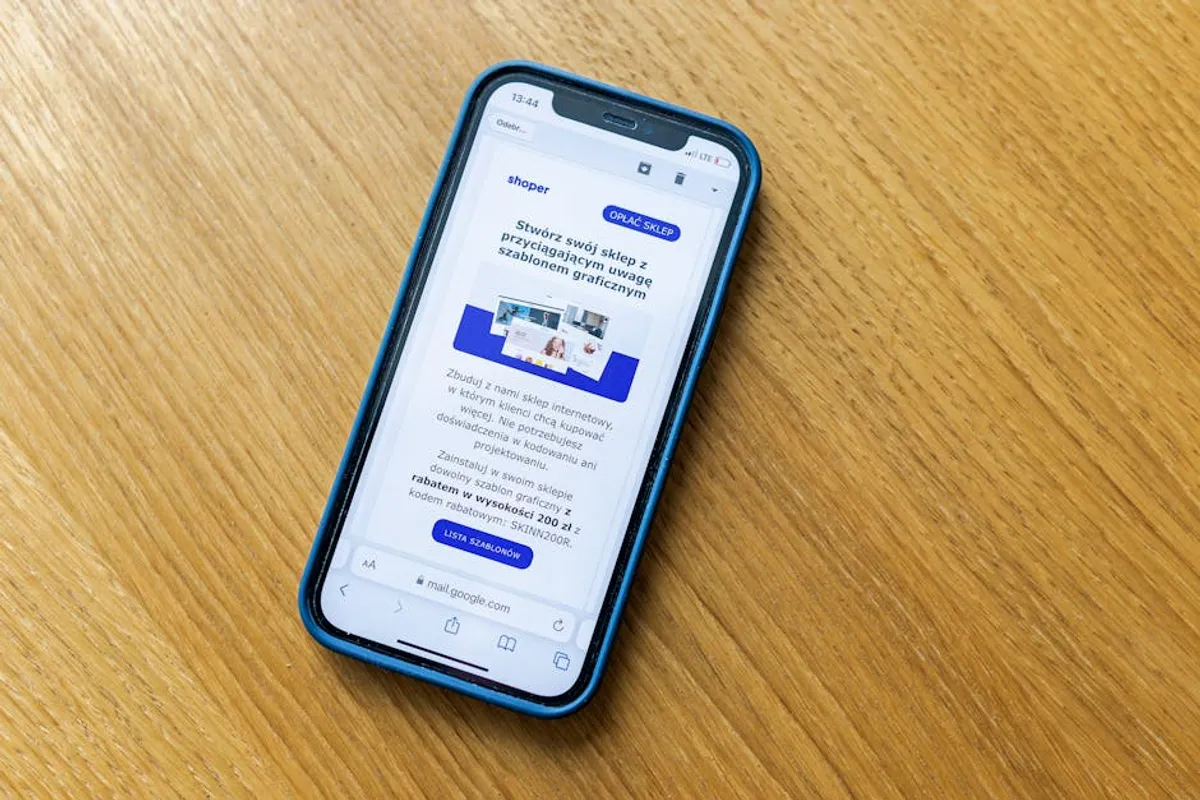
A business website homepage serves as the digital front door, often the first point of contact for potential customers. Its primary objective is to quickly communicate value, establish credibility, and guide visitors toward conversion goals. An effective homepage balances aesthetic appeal with functional clarity, ensuring that key information is accessible and user paths are intuitive. Neglecting any core element can lead to lost opportunities, higher bounce rates, and a diluted brand message. This checklist outlines the essential components every business homepage requires to perform optimally and support overarching business objectives.
Structuring Your Homepage for Impact
The layout and initial elements of your homepage dictate user perception and navigation efficiency. Strategic placement ensures visitors quickly understand who you are, what you offer, and what action to take next.
Primary Navigation: Guiding Principles
Your main navigation should be intuitive and consistent across all pages. It acts as a roadmap, allowing users to explore your site's offerings without confusion. Limit top-level menu items to 5-7 core categories to prevent cognitive overload. Use clear, descriptive labels that reflect user intent.
- Services/Products: Direct access to your core offerings.
- About Us: Builds trust and communicates brand story.
- Contact: Essential for inquiries and support.
- Blog/Resources: Positions your business as a thought leader and provides valuable content.
- Login/Account (if applicable): For existing customers, streamlining their experience.
Header Elements: Branding and Utility
The header area, typically at the top of the page, provides immediate brand recognition and access to critical functions. It remains consistent across the site, reinforcing identity and user control.
Logo and Branding: Your company logo should be prominently displayed, usually top-left, and link back to the homepage. This reinforces brand identity and provides a clear home base for users. Ensure it is high-resolution and appropriately sized for various devices.
Search Functionality: For sites with extensive content or product catalogs, a visible search bar improves user experience by allowing direct information retrieval. This reduces frustration and time spent browsing, increasing the likelihood of finding relevant content or products.
Utility Links: Include quick access to essential, but not primary, navigation items like "Cart," "Wishlist," or "Language Selector." These support specific user journeys without cluttering the main menu.
Crafting a Compelling Hero Section
The hero section is the first visual segment a visitor encounters. It must immediately capture attention, communicate your primary value proposition, and encourage further engagement.
Clear Value Proposition: A concise headline and supporting text that articulate what your business does and the unique benefit it offers to customers. This should answer "What's in it for me?" within seconds. For example, instead of "We offer software solutions," use "Streamline your workflow with our intuitive project management software."
High-Quality Visuals: Use relevant, professional images or videos that resonate with your target audience and illustrate your offering. Avoid generic stock photos; opt for authentic visuals that convey professionalism and brand personality. This enhances engagement and emotional connection.
Primary Call-to-Action (CTA): A prominent, actionable button that directs users to the next logical step. Examples include "Get Started," "Request a Demo," "Shop Now," or "Learn More." Its placement and design should draw the eye and clearly indicate the desired action, directly contributing to conversion rates.
Guiding Users with Clear Calls-to-Action
CTAs are pivotal for converting visitors into leads or customers. They must be strategically placed, visually distinct, and articulate the benefit of taking action.
Variety and Placement: While the hero section features a primary CTA, sprinkle secondary CTAs throughout the homepage, guiding users through different stages of their journey. For example, a "Download Ebook" CTA near a blog highlight, or "View Pricing" near a service overview. Ensure they are contextually relevant to the surrounding content.
Action-Oriented Language: Use strong verbs that compel action and communicate immediate value. Avoid vague phrases like "Click Here"; instead, opt for "Start Your Free Trial," "Book a Consultation," or "Explore Our Portfolio." This clarity reduces ambiguity and improves click-through rates.
Building Trust and Credibility
In a competitive digital landscape, demonstrating trustworthiness is crucial. Social proof and clear communication of expertise can significantly influence a visitor's decision to engage further.
Testimonials and Reviews: Feature short, impactful quotes from satisfied customers. Include names, photos (if available), and company affiliations to enhance authenticity. This peer validation builds confidence in your offerings.
Trust Badges and Certifications: Display logos of reputable partners, industry certifications, security badges (e.g., SSL), or awards. These visual cues immediately signal reliability and adherence to standards, mitigating perceived risk.
Client Logos: If you work with well-known brands, showcasing their logos provides powerful social proof. This association implies quality and reliability, particularly for B2B businesses.
Media Mentions: Highlight any press coverage or features in prominent publications. This third-party endorsement lends significant credibility to your brand and expertise.
Showcasing Your Offerings: Services/Products Overview
Briefly introduce your core services or product categories. This provides an immediate understanding of your business scope without overwhelming the user.
Concise Descriptions: For each offering, provide a brief, benefit-oriented description (1-2 sentences). Focus on how it solves a customer problem or meets a need, rather than just listing features. Link each overview to a dedicated service or product page for more detail.
Visual Representation: Use icons or small images to represent each service or product category. Visuals aid comprehension and break up text, making the section more digestible and engaging.
Pro Tip: Avoid the temptation to include every single detail about your business on the homepage. The goal is to pique interest and guide users to deeper, more specific pages. Overloading the homepage with information can lead to analysis paralysis and higher bounce rates. Prioritize clarity and conciseness above all else.
About Us/Brand Story Snippet
A brief section introducing your company's mission, values, or unique selling proposition. This humanizes your brand and helps forge an emotional connection with visitors.
Mission Statement/Vision: A short paragraph conveying your company's purpose and what drives your work. This helps visitors understand the 'why' behind your business.
Key Differentiators: Briefly highlight what makes your business unique compared to competitors. This could be your approach, expertise, or customer service philosophy.
Resource/Blog Highlights
If your business maintains a blog or resource center, featuring recent posts or popular guides on the homepage can drive traffic to valuable content and establish thought leadership.
Latest Articles/Guides: Showcase 2-3 recent or high-performing pieces of content. Include a compelling title, a small thumbnail, and a brief excerpt. This demonstrates ongoing activity and provides value beyond direct sales.
Link to Full Blog: Provide a clear link to your complete blog or resource center, encouraging deeper exploration of your content marketing efforts.
Footer: Essential Links and Contact Information
The footer typically contains secondary navigation and legal information, accessible from any page.
Contact Details: Include your business address, phone number, and email address. This provides immediate access for inquiries and builds trust.
Social Media Links: Icons linking to your active social media profiles. This allows users to connect with your brand on other platforms.
Legal Pages: Links to Privacy Policy, Terms of Service, Disclaimer, and Cookie Policy. These are legally required and build transparency.
Sitemap/Copyright: A link to your sitemap (if applicable) and a copyright notice with the current year.
Essential Technical Foundations
Beyond content and design, the technical performance of your homepage directly impacts user experience and search engine visibility.
Mobile Responsiveness: Ensure the homepage adapts seamlessly to all screen sizes (desktops, tablets, smartphones). A non-responsive site alienates a significant portion of users and negatively impacts search rankings.
Page Load Speed: Optimize images, minimize code, and leverage caching to ensure your homepage loads quickly. Slow loading times lead to high bounce rates and poor user satisfaction.
Accessibility: Design with accessibility in mind, ensuring your site is usable by individuals with disabilities. This includes proper alt text for images, keyboard navigation support, and sufficient color contrast.
Optimizing Your Homepage for Continuous Performance
A business homepage is not a static entity; it requires ongoing review and optimization to remain effective. Regularly analyze user behavior data, such as bounce rate, time on page, and conversion paths, to identify areas for improvement. A/B test different headlines, CTAs, and visual elements to determine what resonates best with your audience. As your business evolves, ensure your homepage content reflects new offerings, updated branding, and current market positioning. Proactive maintenance ensures your homepage consistently serves its purpose as a high-performing digital asset.
Frequently Asked Questions
How long should a business homepage be?
The ideal length varies, but aim for conciseness. A good homepage provides enough information to pique interest and guide users to deeper pages without overwhelming them. Focus on quality and strategic placement over sheer quantity of text.
What is the most important element on a homepage?
While all elements are crucial, the hero section with its clear value proposition and primary call-to-action is arguably the most critical. It forms the first impression and dictates whether a visitor will engage further or leave the site.
How often should I update my homepage?
Regular updates are beneficial. Major content or design refreshes might occur annually or semi-annually, but smaller updates—like showcasing new testimonials, blog posts, or seasonal promotions—should be done as needed to keep content fresh and relevant.
Should I put pricing on my homepage?
For some businesses, particularly SaaS or e-commerce, a clear path to pricing information is essential. For service-based businesses with custom quotes, it's often better to guide users to a "Request a Quote" or "Contact Us" page rather than displaying generic pricing that might not apply to all clients.



